Hey, I'm Nikhil.
I kept recording videos where I was obviously reading. Eyes drifting to a second window, losing my place, starting over. So I'm building the prompter I wanted.
It's for anyone who talks to a camera: YouTubers, course creators, founders recording demos, and anyone presenting on Zoom or Meet.
The prompter is free and stays free. Pro adds voice-follow and the AI tools. You pay on  Dodo, by card or UPI.
How it works.
Sign in on the web once. Everything else happens in the app.
Download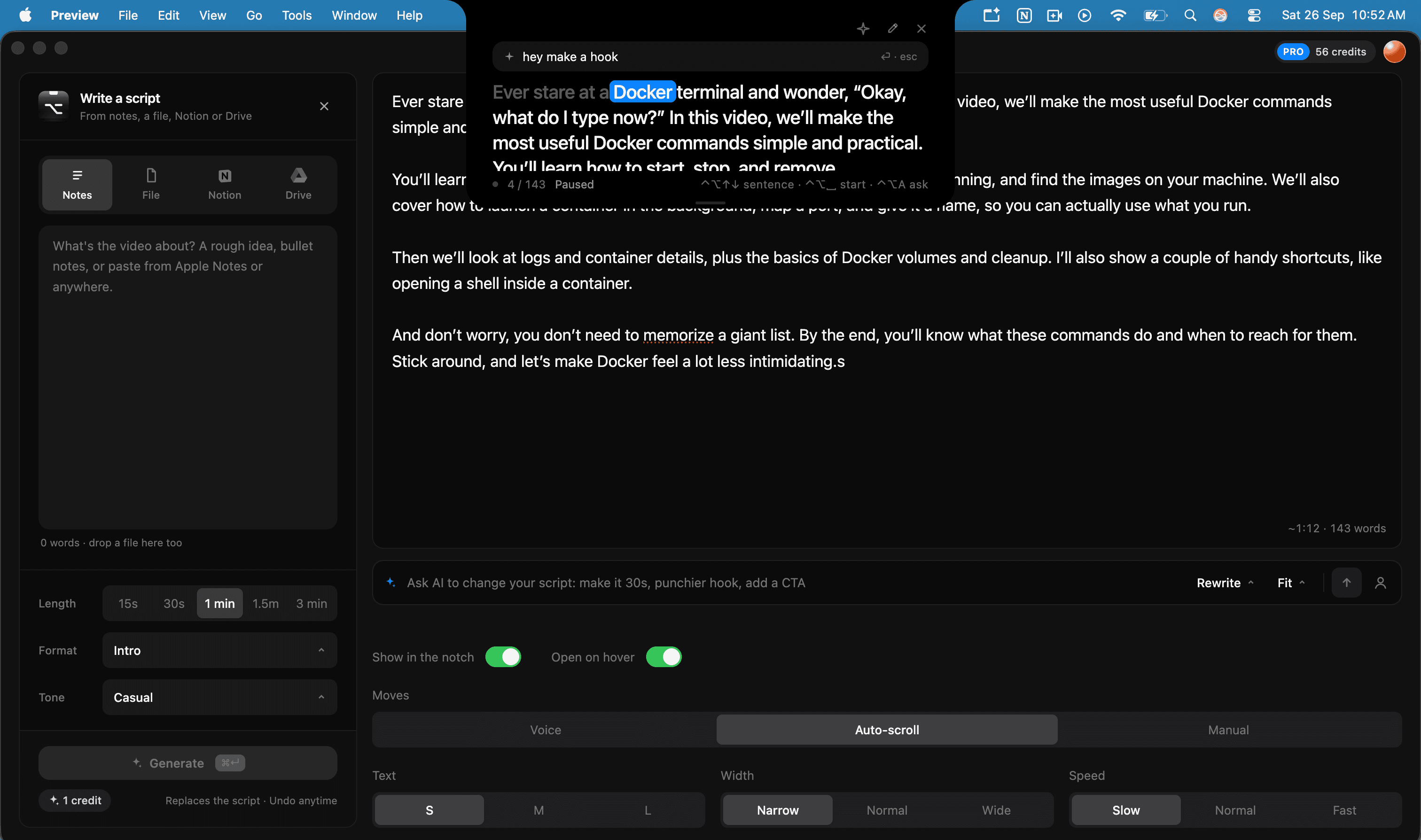
- 01
Get the app
Download it for macOS and click Continue. It opens this site to sign you in.
- 02
Connect
Sign in or create an account here, then click Connect desktop app. The app never sees your password.
- 03
Write
Paste a script, or have the AI write one from your notes, a file, Notion or Drive. Then make it easy to say and fit it to time.
- 04
Record
Read from under the notch. It follows your voice, and screen share never sees it.
Terms.
Pro renews monthly. Cancel anytime from the billing portal and Pro stays until the end of the month you paid for.
Monthly credits refill to 60 on each renewal and don't carry over. Credit Pack credits never expire, even if you cancel.
Questions or a refund request: email rajpurohitnikhil008@gmail.com.
Eyes on the lens. Script under the notch.